Blog / Health & sport / HL-044 ·
Work Up
Warm-up sets and plate loading for barbell lifts. Because "a bit more on the left side" is not a plate loading.
- App
- Health & sport
- Live Sept 2026
- Web · iPhone
What it is (a way to look busy near the squat rack)
Work Up is a warm-up calculator and plate loader for barbell lifts. You type your top set for the squat, bench or deadlift. It plans your warm-ups to that number and shows exactly which plates go on and come off, each side of the bar.
Take a 180 kg squat. The default ramp is the empty bar, then 50% of your top set for five, then 70, 80 and 92.5% of your last warm-up, which sits 10 kg under the top set. That makes seven sets, each with its reps and the plates drawn on the bar. Every weight rounds to 2.5 kg and is a loading your plates can actually make. Between sets, the app tells you the change, like "take off the 5, add a 15 and a 1.25", not the whole bar again.
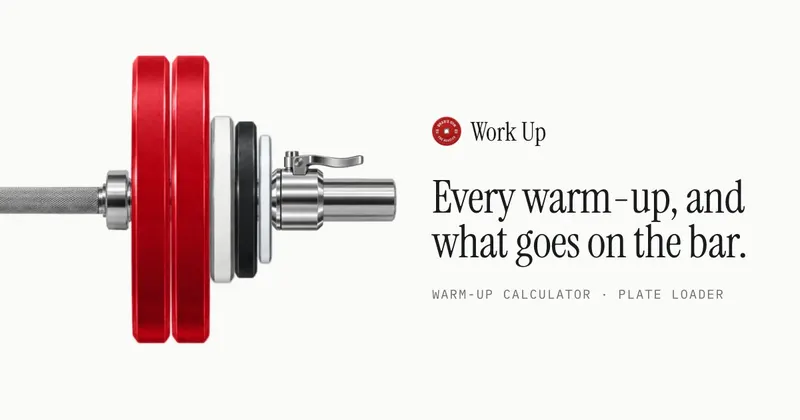
The Bar tab works both ways. Type a weight and see the plates. Tap plates on a loaded bar and see the weight. When the plates change, they animate the way you'd load a real bar: the collar slides off, plates go on, and they land with a small haptic clunk. An empty bar shows no collar, because nobody collars an empty bar.
You can also film a set, or link a clip from Photos, and see it on your timeline next to the weight and date. Evidence, for when the group chat doubts you.
Who it's for (lifters doing maths between sets)
Lifters who stand in front of a loaded bar doing arithmetic in their head. It's built for a gym floor, not a spreadsheet. You tell it how many pairs of each plate you own and what colour they are, so it never plans a loading you can't make and never rounds your top set to one you didn't ask for.
It works in kilos or pounds, with whatever bar and collar weights your gym uses. No account is needed, and nothing is stored on a server.
How it was built
The app runs in any browser and installs to your home screen, with an iPhone version in beta on TestFlight (Apple's testing channel). It's built with Vue and Ionic, two web app toolkits, and uses a few native iPhone parts for video and haptics.
All the maths sits in one function that builds the ramp. The same function feeds the first-run walkthrough, so every number in the tour comes from the real calculation against that phone's own plates. The screen is designed not to shift when a plate goes on. Everything lives on the phone, with a backup button that saves one file, and a restore that asks once, naming the date and what the file holds, before replacing anything.
The look is called Serif by day and Ink by night. It uses the Instrument Serif and IBM Plex Mono fonts, with real screenshots on the marketing page in both schemes. The marketing page also labels its common questions so search engines can read them.
Lessons learned
- Check that an update path actually exists. One commit admits the app was never subscribed to its over-the-air update channel, "so no OTA has ever landed", which looked set up because nothing had ever tested it.
- Don't let a button change shape mid-tap. The Back button only appeared from set 2, so the first tap shrank it under the finger and left a ghost of the old button on screen, and now the row never changes shape.
- Make the AI test the whole round trip. The backup was checked end to end: back up, change something, restore, and see the data come back.
- Measure, then fix. An automated audit scored the first-run screen 84 because of an unnamed dialog and faded rows that failed contrast, and fixing those took it to 93.