Blog / Learning / HL-010 ·

Cube Master
A PLL trainer for Rubik's Cube speedsolvers. Twenty-one ways to say "I've done it wrong" in under four seconds.
- Web tool
- Learning
- Live Apr 2026
- Web
- Lab pick
What it is (besides a lot of finger gymnastics)
Cube Master is a trainer for Rubik's Cube speedsolvers. Its focus is PLL, the last step of a solve, where you recognise one of 21 patterns and run the matching algorithm (a memorised sequence of turns). The data files also cover the OLL and F2L sets, which are other stages of a solve.
Each algorithm has a name, a category, a short description and a recognition hint, such as "block in the left front, and headlights in the back". There are several variants of each move sequence, and a small drawn cube shows the pattern. The tabs are:
- Learn: an algorithm of the day, which you can mark as learned.
- Library: the full list of algorithms.
- Drill: timed practice with pause, a right or wrong mark on each attempt, and a history of past sessions.
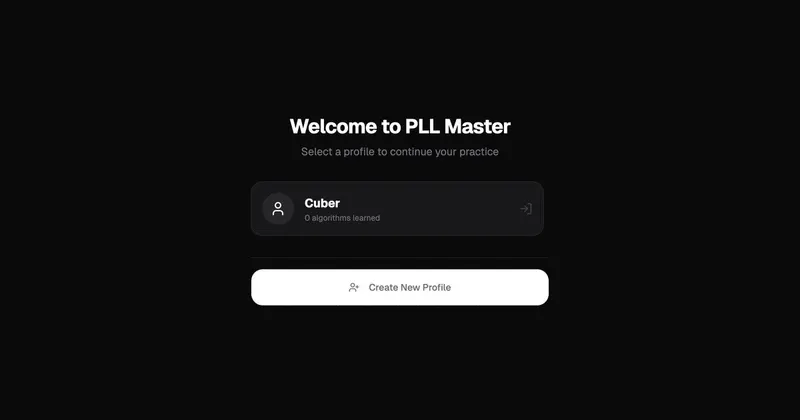
- Profiles: several people on one device, each with their own active sets.
- Guide: a beginner method and CFOP, the method most speedcubers use.
Who it's for (people who solve it in the car park)
Cubers who have got past "one face at a time" and want to get faster. Also brothers and sisters who share one device and one very competitive hallway.
How it was built
Cube Master was made in Google's AI Studio, a chat tool that builds an app from a description, then exported to a code repository. It's a React and Vite web app using ready-made interface parts and the Motion library for animation. The whole repository history is two commits: the first one, and the one that added the app. Short, like a good solve.
The algorithm and cube data sit in plain data files, with sticker colours written out face by face.
Lessons learned
- Add your own checks to a chat-built app. The repository has two commits and no tests, so the data is only as right as the last person who read it.
- Teach recognition, not just moves. Knowing an algorithm is no use if you can't tell which case is in front of you, so each one carries a hint for spotting it.
- Treat a shared device as normal. Profiles let several solvers keep their own sets and sessions without fighting over the history.