Blog / Creative / HL-023 ·
Scratchy
A scratch-art pad. Rub away the black to reveal colour. No foil, no mess, no small black flakes in the carpet until 2031.
- App
- Creative
- Live July 2026
- Web · iPhone
What it is (scratch art without the vacuum)
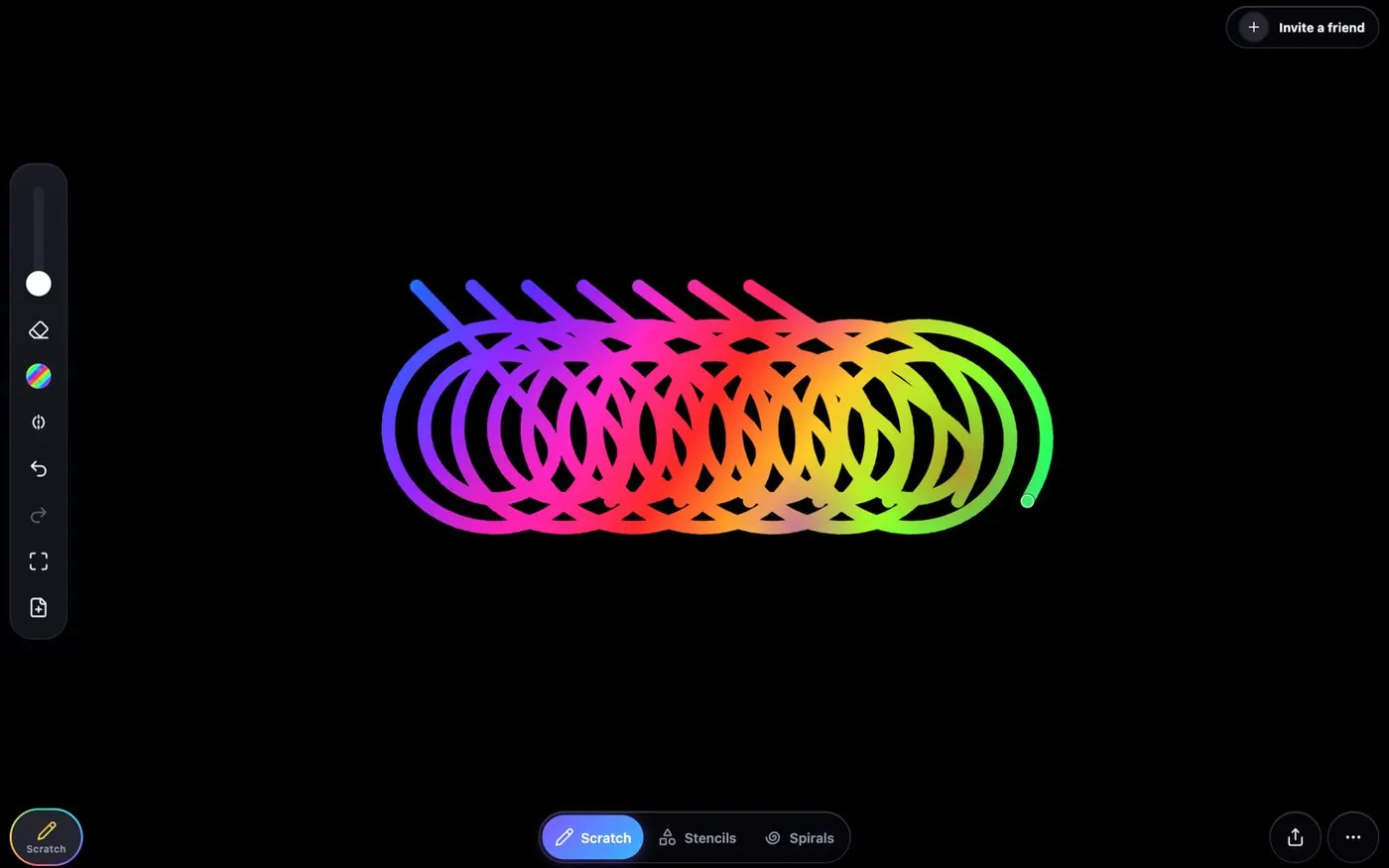
You know those foil scratch-art cards that leave black dust on everything you own? This is that, minus the dust. The page starts solid black. Scratch it with a finger, stylus or mouse and the black wears away to show what's underneath: a neon rainbow, lava, ocean, galaxy or confetti. Or use a photo. You can scratch first and add the photo afterwards, and your masterpiece instantly becomes a window onto Grandma.
There are also stencils (scratch only inside the star, if you can stay in the lines), spirograph spirals that grow while you hold your finger down, and mirror guides that turn one wobbly line into a four-way mandala. Instant art gallery. Fridge not included.
Who it's for (small artists, tired parents)
Kids from about four to ten, and the parents passing them a phone in a waiting room. Nothing is ever lost: every drawing saves itself as you go, which is more than can be said for school jumpers. Two kids can scratch on one tablet at the same time. Undo is a two-finger tap and redo is a three-finger tap. Life has neither.
How it was built
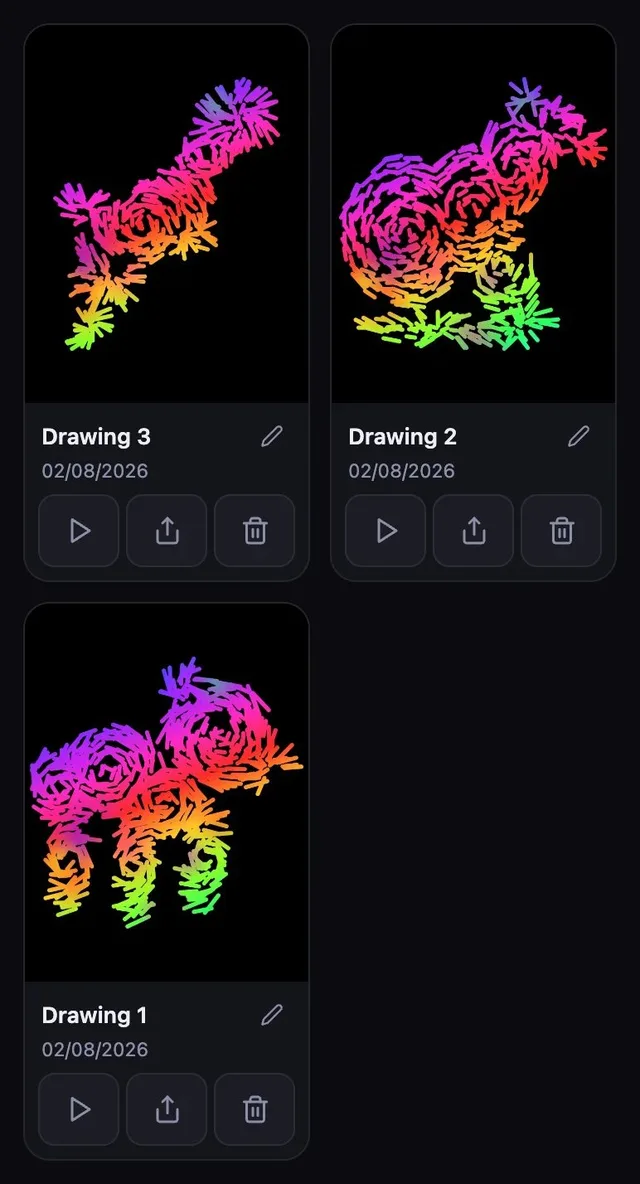
Scratchy doesn't save pictures. It saves a list of everything you did: each stroke, spiral and pattern change, with a timestamp. The picture on screen is drawn from that list. It sounds like extra homework, but it gave us three features for the price of one:
- Timelapse replay plays the list back sped up, so your four minutes of scribbling looks like a speed-painting video.
- Autosave just stores the list, so closing the tab loses nothing.
- Undo walks back through the same history, up to 30 steps.
It's a web app you can install, and it works fully offline with everything unlocked. Sign-in, sync and payments stay switched off until they're needed. The iPhone version is the same code, plus an App Clip (a mini app that opens without a full install) and an iMessage extension, for sending your aunt a rainbow cat.
Lessons learned
- Tell the AI how to check its own work. Scratchy has no automated tests, so its project notes tell the AI to open the real app in a browser and poke it the way a kid would, minus the jam.
- Write your taste down, or the AI can't know it. The notes say emoji "cheapen" the app and point to the house icon set, so every new button looks like it belongs.
- Save the actions, not the pixels. Replay, autosave and undo all came free once the app kept a list of what you did instead of a picture.
- Build it to work offline from day one. No Wi-Fi in the car means no meltdown, at least not from the app.