Blog / Sport / HL-016 ·
Scoring Simulator
Practise PlayHQ desk scoring before game day. Practise the scorers' table before game day, so you can panic in private.
- Web tool
- Sport
- Live May 2026
- Web
What it is (besides a stress test for volunteers)
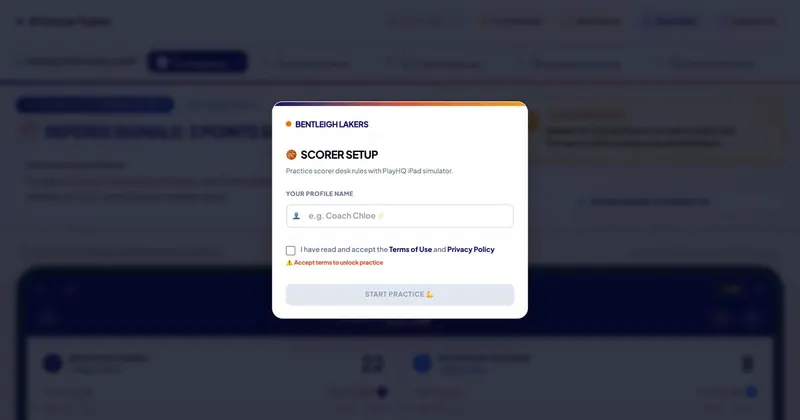
Scoring Simulator is a training tool for people who score junior basketball games on a tablet. It imitates a scoring app and a scoreboard controller, so a new volunteer can practise on a fake game before a real one.
The page calls itself an educational sandbox, and it isn't connected to any real scoring service. Mess it up as much as you like. No under-12s will be harmed.
Who it's for
Parents and volunteers who've been handed the scoring tablet and told "you'll be fine." And club coordinators who'd like them to actually be fine.
How it works
You get a scenario, such as a play to record. You pick the action first, then the player, and it's logged. The actions include: - 1 point free throw - 2 points goal - 3 points attempt - log personal foul
You can cancel a pending action, deselect a player or undo the previous play.
The scoreboard side has a controller panel with a choice of two console styles. It covers run and pause for the match clock, reset time, a +30 second adjustment, a siren, the period, and fouls and timeouts for both teams. The page reminds you to pause before resetting or adjusting the clock, a rule learned the hard way by every scorer in history.
Your input is checked. A wrong entry shows "Correction Required", and your possible points drop by one for each mistake. Get it right and you see "Mastery Unlocked", then the next scenario, and a leaderboard at the end.
Lessons learned
- Give people a safe place to fail. A fake game is a gentler way to learn the real one.
- Correct mistakes the moment they happen. Instant feedback teaches more than a manual nobody reads.
- Say plainly what your tool is. The page says it's a training sandbox, which is a fair thing for an AI-built tool to admit about itself.